INFORMATIQUE - Service Manuals
5 manuals available for download
INFORMATIQUE delivers comprehensive technical documentation across computing, software, and IT fundamentals. Whether you need detailed service manuals, troubleshooting guides, or complete user manuals for your projects, our PDF downloads provide the expertise you need. From installation guides to maintenance references and parts lists, INFORMATIQUE's collection helps DIY enthusiasts and professionals tackle technical challenges with confidence and clarity.

Create Your Website with HTML5 and CSS3
A comprehensive beginner's guide to web development using HTML5 and CSS3. This 322-page manual progressively teaches the fundamentals of creating websites from scratch, starting with core concepts and advancing through complete, functional projects. The workshop covers essential topics including web page structure, semantic HTML5 markup, text organization with paragraphs and headings, practical CSS styling techniques, page layout and positioning strategies, responsive design principles for mobile and desktop, and advanced features such as data tables, interactive forms, and embedded video. Each chapter builds methodically on previous knowledge, making it fully accessible to readers with no prior programming experience. The guide emphasizes learning by doing—hands-on exercises and real-world website creation projects are woven throughout. Includes web codes for accessing additional online resources and complete source code examples you can study and modify. Features input from working web design professionals and comprehensive appendices covering the practical steps for publishing your finished website online.
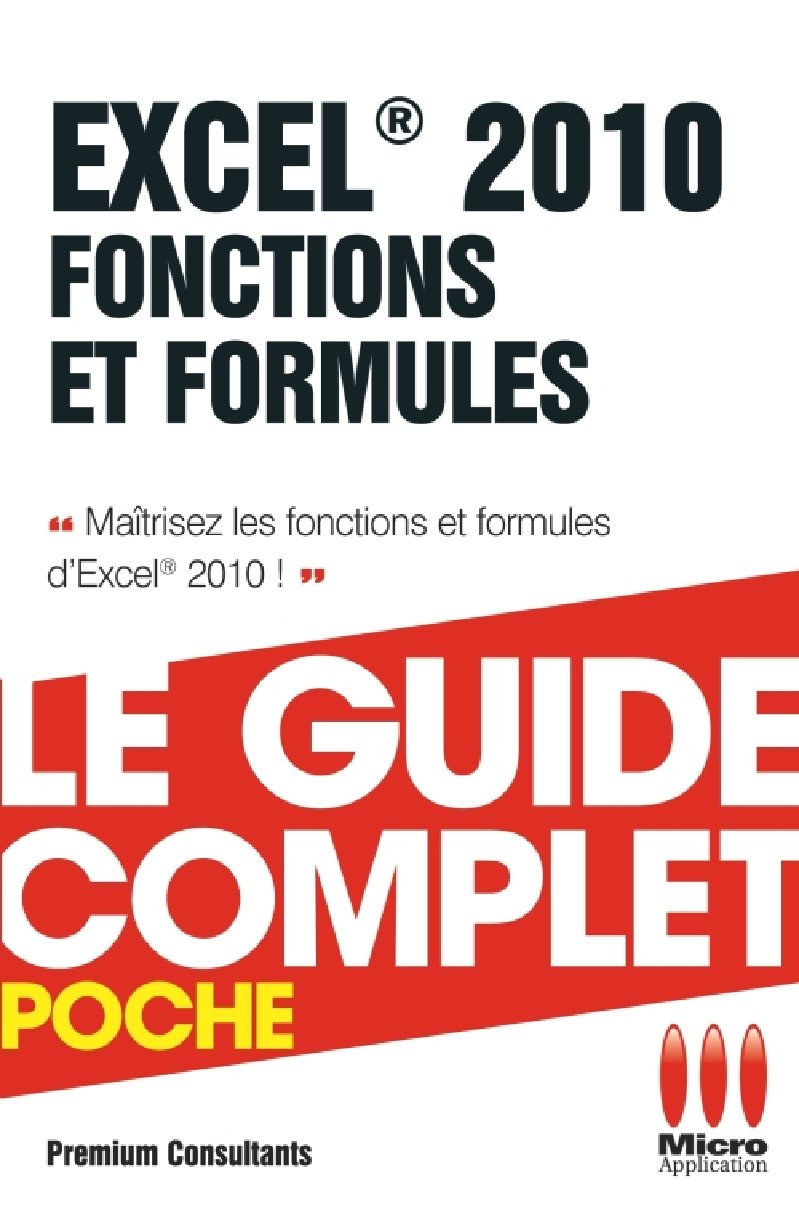
Excel 2010 Functions and Formulas - Complete Guide
Comprehensive practical guide to mastering Excel 2010 functions and formulas. This pocket-sized reference covers fundamental formula conception through advanced techniques, including operators, cell references, naming conventions, and complex formula structures. The manual progresses from basic calculations and conditional logic with the IF function to sophisticated applications such as database functions, text processing, date and time calculations, financial computations, and array formulas. Key topics include lookup and reference functions, statistical and mathematical operations, error detection and auditing, circular reference management, and data table simulations. Each chapter includes practical examples, professional tips, and detailed explanations to help both beginners and experienced users optimize their spreadsheet work. Eleven comprehensive chapters with step-by-step instructions and formula examples for immediate implementation. Table of Contents: - Chapter 1 Developing simple formulas .... page 11 - 1.1. Understanding design principles .... page 13 - Entering a formula .... page 13 - Modifying a formula .... page 14 - 1.2. Using operators .... page 15 - Using mathematical operators .... page 15 - Using the concatenation operator .... page 17 - 1.3. Mastering relative, absolute and mixed references .... page 17 - Discovering cell references .... page 18 - Three-dimensional references .... page 27 - External references .... page 29 - 1.4. Discovering additional tools and parameters .... page 30 - Transforming a formula into a value .... page 30 - Preventing Excel from systematically recalculating formulas .... page 31 - 1.5. Not displaying formulas .... page 32 - Avoiding display inconsistencies due to rounding .... page 33 - Displaying L1C1 type references .... page 34 - Chapter 2 Using names in formulas .... page 35 - 2.1. Simply assigning a name to a cell or range of cells .... page 37 - Assigning a name to a cell .... page 37 - Using a name in a formula .... page 38 - Assigning a name to a range of cells .... page 39 - Selecting a cell or named range .... page 40 - 2.2. Defining and modifying names .... page 41 - Defining a name .... page 41 - Modifying the target of a name .... page 42 - Inserting a name in a formula .... page 43 - Pasting the list of names .... page 44 - Creating series of names .... page 45 - Deleting a name .... page 46 - Systematically replacing cell references with names .... page 47 - 2.3. Assigning names to constants and formulas .... page 49 - Assigning names to constants .... page 49 - Assigning names to formulas .... page 50 - 2.4. Worksheet-specific names .... page 51 - Chapter 3 Searching and using functions .... page 53 - 3.1. Understanding the function concept .... page 55 - Discovering the function library .... page 56 - Searching and inserting a function .... page 57 - Entering a known function .... page 60 - Using libraries .... page 62 - Using the AutoSum button .... page 62 - 3.2. Using different types of arguments .... page 63 - 3.3. Knowing the different function categories .... page 65 - Lookup and reference functions .... page 65 - Text functions .... page 66 - Date and time functions .... page 66 - Logical functions .... page 66 - Information functions .... page 66 - Database functions .... page 67 - Mathematical functions .... page 67 - Statistical functions .... page 67 - Financial functions .... page 70 - Engineering functions .... page 70 - Chapter 4 Using the IF function .... page 73 - 4.1. Discovering the function .... page 75 - 4.2. Developing simple formulas .... page 76 - Displaying a fixed message if a condition is met .... page 76 - Displaying a variable message if a condition is met .... page 77 - Integrating the result of a conditional formula in an expression .... page 77 - Testing on a character string .... page 78 - Testing on a date .... page 79 - Avoiding the display of an error message .... page 80 - Including a formula in the condition .... page 81 - Counting the number of different values in a sorted range of cells .... page 81 - 4.3. Using AND and OR operators .... page 83 - The AND operator .... page 83 - The OR operator .... page 84 - The NOT operator .... page 86 - Additional information on logical tests .... page 86 - 4.4. Nesting multiple IF functions .... page 88 - Limiting the size of formulas .... page 89 - 4.5. Discovering the CHOOSE function .... page 91 - Chapter 5 Calculating and counting .... page 93 - 5.1. Discovering essential functions .... page 95 - Calculation functions .... page 95 - Rounding functions .... page 104 - Counting functions .... page 108 - 5.2. Performing calculations .... page 111 - Calculating a sum .... page 111 - Calculating a running total .... page 112 - Calculating an average .... page 113 - Calculating the sum of cells meeting criteria .... page 113 - Determining the most frequent value in a range of cells .... page 115 - Calculating a percentage change .... page 116 - Displaying the largest values .... page 117 - Rounding values .... page 118 - 5.3. Counting cells .... page 119 - Counting empty cells .... page 120 - Counting non-empty cells .... page 120 - Counting cells containing numeric values .... page 120 - Counting cells containing text .... page 121 - Counting cells containing a character string .... page 121 - Counting cells whose content is greater than a threshold .... page 121 - Chapter 6 Exploiting databases .... page 123 - 6.1. Managing data with Excel .... page 125 - Building a data table .... page 125 - 6.2. Discovering essential functions .... page 127 - 6.3. Performing simple searches .... page 136 - Searching for a specific value in a table .... page 136 - Avoiding error messages during a search .... page 139 - Using other search techniques .... page 140 - Exploiting data in interval form .... page 142 - Searching for a value in a two-entry table .... page 143 - 6.4. Synthesizing data .... page 144 - Calculating a moving average .... page 144 - Performing multi-criteria syntheses .... page 146 - Chapter 7 Processing text data .... page 151 - 7.1. Discovering essential functions .... page 153 - 7.2. Performing simple processing .... page 161 - Juxtaposing character strings .... page 161 - Integrating numeric values in character strings .... page 161 - Counting characters in a text .... page 162 - Searching in a text .... page 163 - Replacing one text with another .... page 164 - 7.3. Combining functions for more complex processing .... page 165 - Removing characters from the right or left .... page 165 - Completing a character string to reach a fixed number of characters .... page 165 - Counting occurrences of a character or word in a text .... page 166 - Extracting the first word from a text .... page 166 - Extracting the last word from a text .... page 166 - Separating words in a text .... page 167 - Chapter 8 Performing calculations on dates and times .... page 169 - 8.1. Understanding date representation in Excel .... page 171 - Discovering the serial number concept .... page 171 - Distinguishing date systems .... page 171 - Entering dates and times .... page 172 - Setting century interpretation .... page 173 - 8.2. Discovering essential functions .... page 173 - 8.3. Performing calculations on dates .... page 180 - Displaying today's date in a text .... page 181 - Writing the month in letters .... page 181 - Writing the day of the week in letters .... page 181 - Determining the quarter number .... page 181 - Determining the last day of the month .... page 181 - Determining the first day of the month .... page 182 - Calculating the number of days in the month .... page 182 - Determining the date of the previous Sunday .... page 182 - Converting from American format .... page 184 - Identifying an anniversary date .... page 185 - Testing if a year is a leap year .... page 185 - 8.4. Performing calculations on times .... page
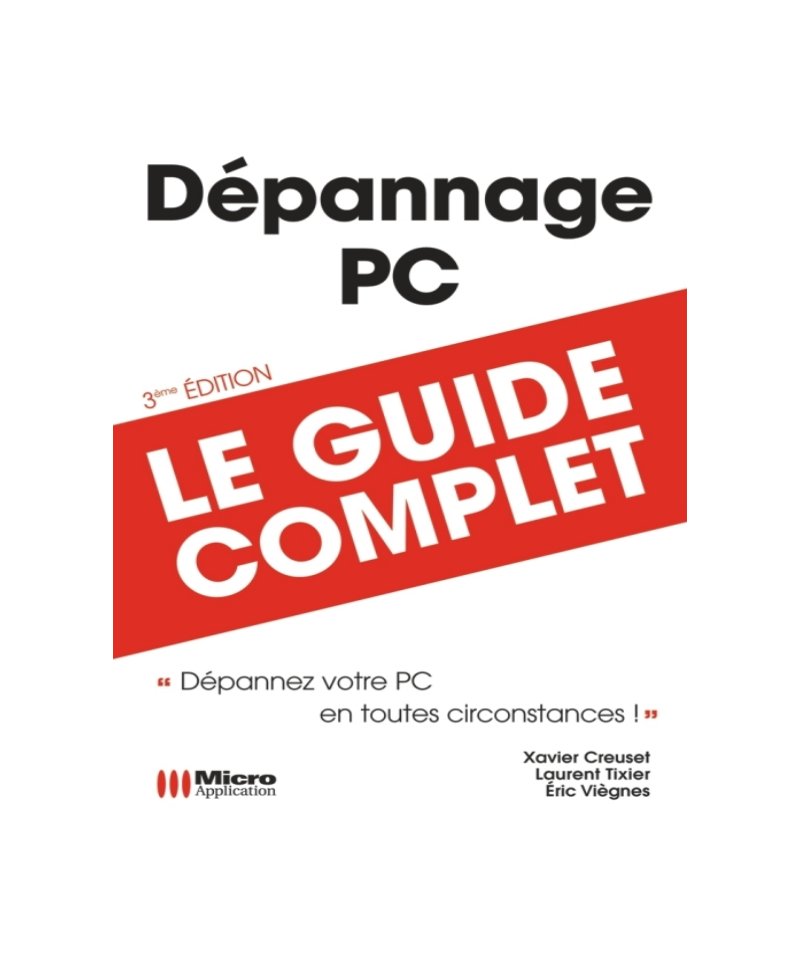
PC Troubleshooting Complete Guide - 3rd Edition
A comprehensive PC troubleshooting guide spanning 400 pages that walks you through diagnosing and fixing hardware failures, system crashes, and software conflicts. Whether you're dealing with a failed hard disk, driver installation problems, video card issues, USB peripherals that won't cooperate, or printing breakdowns, this manual provides straightforward solutions rather than theory. You'll find practical help with startup problems, Windows system identification, network setup and troubleshooting, firewall configuration, and virus protection strategies. The guide includes dedicated sections on backup and restoration procedures—essential when things go wrong. Coverage extends to Internet Explorer, Windows Mail, and Microsoft Office 2007 (Word and Excel) troubleshooting, so you're covered across the applications most users rely on daily. Each chapter is built around real problems with checklists and FAQs to help you zero in on your specific issue without wading through irrelevant content. The structured approach and worked examples make this service manual equally useful for someone encountering their first PC problem or an experienced user tackling an unfamiliar hardware failure. Table of Contents: - Chapter 1 - Hardware .... page 9 - Detail of components and drivers .... page 10 - Detecting a poorly installed peripheral or encountering driver problems .... page 13 - Updating a peripheral driver .... page 15 - Identifying different hardware-related failures (during Vista startup) .... page 17 - Determining the origin of the failure during computer startup .... page 17 - Allowing the computer to boot from the Windows Vista installation DVD .... page 21 - Hard disk invisible problem under Windows Vista .... page 23 - Solving video card problems .... page 27 - The video card produces no display .... page 27 - Display is limited under Windows Vista .... page 28 - Correcting and preventing problems related to hard drives .... page 33 - Solving a problem related to a missing file at Vista startup .... page 33 - Solving a problem caused by a hard drive failure .... page 37 - Preventing failures due to fragmentation .... page 42 - Diagnosing and correcting a memory problem .... page 44 - Physical memory problems .... page 44 - Using the ReadyBoost function .... page 47 - Solving USB peripheral problems .... page 50 - Case of a peripheral that refuses to be recognized even with the correct driver .... page 50 - Avoiding data loss when disconnecting a storage peripheral .... page 52 - Solving printing problems .... page 54 - Resetting the print spooler .... page 55 - Check-list .... page 56 - Chapter 2 - Identifying system problems on Windows Vista .... page 57 - Solving problems related to system startup .... page 58 - Advanced startup options .... page 58 - Configuring Vista startup with Msconfig .... page 65 - Windows Vista diagnostic tools .... page 69 - Using the Event Viewer .... page 69 - Using Microsoft problem resolution .... page 75 - Reliability monitor and performance analyzer .... page 81 - Identifying a problematic process .... page 92 - Solving problems related to user accounts .... page 94 - Description of User Account Control .... page 95 - Working with a standard user account .... page 97 - Working with an administrator account but limiting UAC interventions .... page 98 - Removing User Account Control .... page 101 - Solving file problems .... page 103 - Moving personal data from one user to another hard drive or partition .... page 103 - Solving file association problems .... page 106 - Check-list .... page 108 - Chapter 3 - Networking .... page 109 - Internet network .... page 110 - Sharing your Internet connection with other machines .... page 110 - Routers and other Internet boxes .... page 115 - Local network .... page 116 - Components of a local network .... page 116 - Different states of a network card .... page 117 - Troubleshooting a wired network .... page 118 - Wi-Fi network .... page 120 - Network and Sharing Center .... page 122 - Network locations .... page 122 - Network discovery .... page 124 - File and printer sharing .... page 126 - Firewall .... page 141 - Windows simplified firewall .... page 141 - Windows advanced firewall .... page 146 - Remote control .... page 152 - Remote Desktop .... page 152 - Remote Assistance .... page 158 - Requesting assistance by email .... page 159 - Check-list .... page 160 - Chapter 4 - Security .... page 163 - Retrieving and installing Windows Vista Service Packs .... page 164 - Preventing password loss .... page 167 - Creating a backup of the administrator account password .... page 167 - Using a password reset disk to connect after losing your administrator account password .... page 169 - Avoiding intrusions on your machine .... page 172 - Windows Vista Security Center .... page 173 - Blocking intrusions using Windows firewall .... page 174 - Protecting your machine from viruses and spyware .... page 177 - Windows Defender (protection against spyware) .... page 178 - Analyzing and searching for spyware on your PC .... page 182 - Configuring antivirus software with Windows Security Center .... page 185 - Reacting in case of viral attack .... page 187 - Removing Windows Security Center notifications .... page 188 - Problem following an automatic Windows Vista update .... page 189 - Backing up and restoring your machine .... page 191 - Backing up and restoring the Registry .... page 192 - Backing up and restoring your data .... page 195 - Complete computer backup and restoration .... page 201 - System optimization .... page 208 - Hard drive optimization .... page 208 - Windows Vista loading optimization .... page 211 - Windows Vista optimization for daily operation .... page 218 - Check-list .... page 223 - Chapter 5 - Software failures .... page 225 - My program no longer starts .... page 226 - My program does not start .... page 227 - Installing or uninstalling software correctly .... page 227 - Reports and solutions to problems .... page 228 - Consulting the event log .... page 230 - Auto diagnostic or auto repair .... page 231 - Using a restore point .... page 232 - Interacting with compatibility properties .... page 233 - Creating a restore point .... page 240 - Uninstalling software .... page 242 - Installing software .... page 245 - Configuring a program to correct errors .... page 247 - Emulating another operating system with Virtual PC 2007 .... page 248 - Diagnosing and repairing Microsoft Office 2007 .... page 258 - Cohabitation problem with previous versions of Office .... page 262 - File exchange problems with files created with Office 2007 .... page 263 - Applying mass corrections for Office 2007 with Service Pack 1 .... page 264 - Word processing (Microsoft Office Word 2007) .... page 265 - My correspondents cannot read my documents .... page 265 - Repairing a Word file .... page 267 - Activating automatic document recovery .... page 270 - Word document illegible when opening via Explorer .... page 271 - Images do not display in a document .... page 273 - Symbols appear in my document .... page 274 - Removing default line spacing .... page 276 - Cannot find politeness formula insertion .... page 278 - When I type a word in my document, another word appears .... page 280 - When typing a character, I erase the present character .... page 281 - The command Ribbon has disappeared .... page 282 - Using the Word 2007 publisher knowledge base .... page 283 - Spreadsheet (Microsoft Office Excel 2007) .... page 284 - Cannot freeze multiple rows or columns .... page 285 - Cannot visualize all my data in a column .... page 286 - Hidden columns or rows .... page 287 - Cannot see calculation results but my formulas .... page 288 - Cannot modify cell formatting .... page 289 - Using the Excel 2007 publisher knowledge base .... page 290 - Check-list .... page 291 - Installing or uninstalling software correctly .... page 291 - Word processing (Microsoft Office Word 2007) .... page 292 - Spreadsheet (Microsoft Office Excel 2007) .... page 292 - Chapter 6 - Internet applications .... page 293 - Internet Explorer .... page 294 - Web page cannot be displayed .... page 294 - Clearing browsing history with Internet Explorer .... page 302 - Resetting Internet Explorer parameters .... page 304 - Disabling Internet Explorer 7 .... page 306 - Changing Work offline status of Internet Explorer .... page 308 - Web page display problems related to security .... page 309 - Partial display of a web page .... page 323 - Missing complementary modules .... page 330 - Display problem with secure pages .... page 336 - Various problems with Internet Explorer .... page 342 - Disabling and/or uninstalling toolbars added to Internet Explorer .... page 346 - Windows Mail .... page 348 - Mailbox synchronization problem .... page 348 - Authorizing a sender .... page 353 - Protecting your

Take Control with Linux: Complete Installation and Usage Guide
A comprehensive Linux and Ubuntu installation and usage guide that takes beginners from foundational operating system concepts through to advanced system administration. This practical manual covers Linux history, major distributions, and step-by-step installation procedures alongside essential console and command-line fundamentals. You'll learn file system structure, process management, data flow control, and network configuration before progressing to automation with Bash scripting, SSH connectivity, firewall setup, and server management techniques. The workshop manual approach emphasizes hands-on learning with exercises built into every chapter, ensuring you develop real confidence working at the command line. Originally developed on the Site du Zéro platform and refined through feedback from thousands of online learners, this edition includes revised troubleshooting content plus new chapters on virtualization and compiling programs from source. The structured progression gives you both the theory and practical skills needed to take full control of your Linux system.
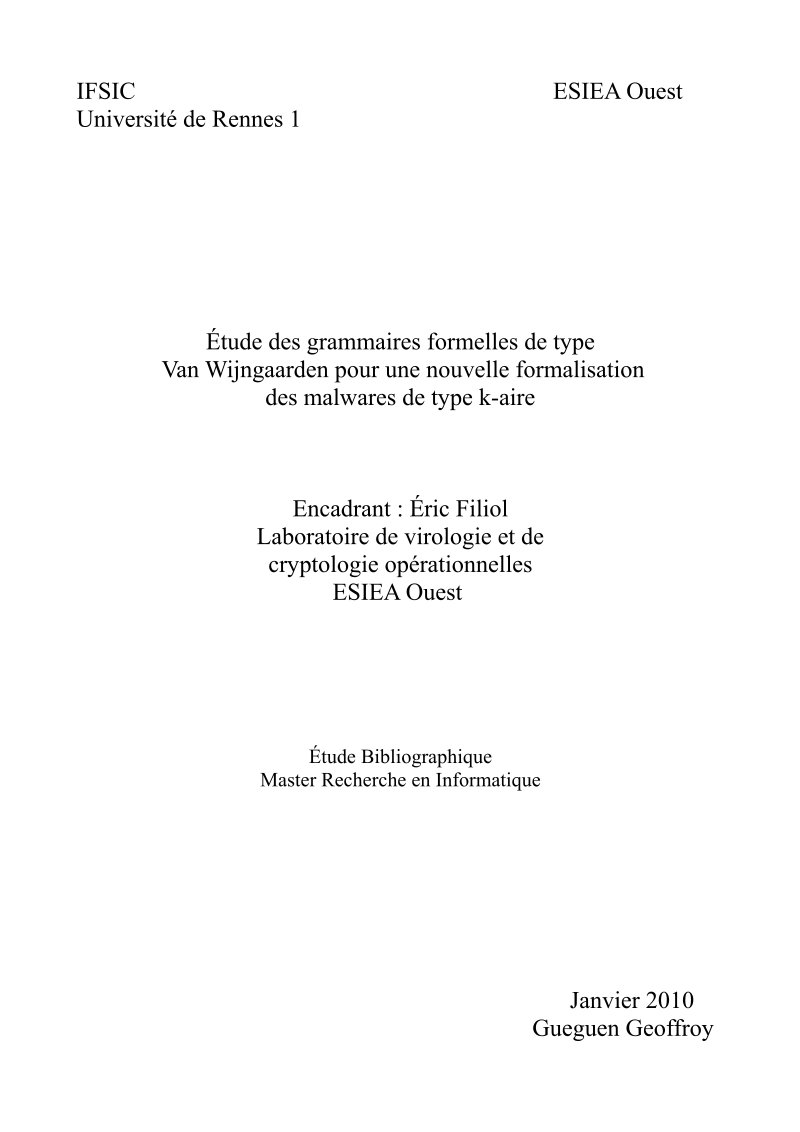
Van Wijngaarden Grammars for K-ary Malware Formalization
This academic research applies Van Wijngaarden formal grammars to theoretical formalization of k-ary malicious code, building on foundational virus theory by Fred Cohen and Leonard Adleman. The study provides a comprehensive literature review of virus classification and mutation techniques, analyzing how polymorphic and metamorphic code transformation strategies can be modeled using formal grammar systems. K-ary viruses distribute malicious functionality across multiple file components that individually appear benign—a sophistication the document addresses through Van Wijngaarden two-level grammar formalism. Traditionally used in programming language definition, these grammars can generate infinite sets of productions from finite rule sets, offering a theoretical framework for understanding how advanced metamorphic engines transform code structurally while preserving semantic equivalence. The research represents preliminary groundwork toward a proof-of-concept k-ary viral system built on these advanced grammar formalisms, demonstrating their potential application to modeling complex code mutation processes in computer science and security research. Table of Contents: - Introduction .... page 2 - 1 Formalization of viruses .... page 2 - 1.1 Work of Fred Cohen .... page 2 - 1.2 Work of Adleman .... page 3 - 1.3 Work of Z.Zuo and M.Zhou .... page 4 - 1.4 K-ary codes .... page 4 - 2 Polymorphism, metamorphism and formal grammars .... page 5 - 2.1 Polymorphism .... page 5 - 2.2 Metamorphism .... page 6 - 2.3 Formal grammars .... page 7 - 2.3.1 Van Wijngaarden Grammars .... page 8 - Conclusion .... page 9 - References .... page 9