Superslant-GN Keyboard Functions Technical Manual
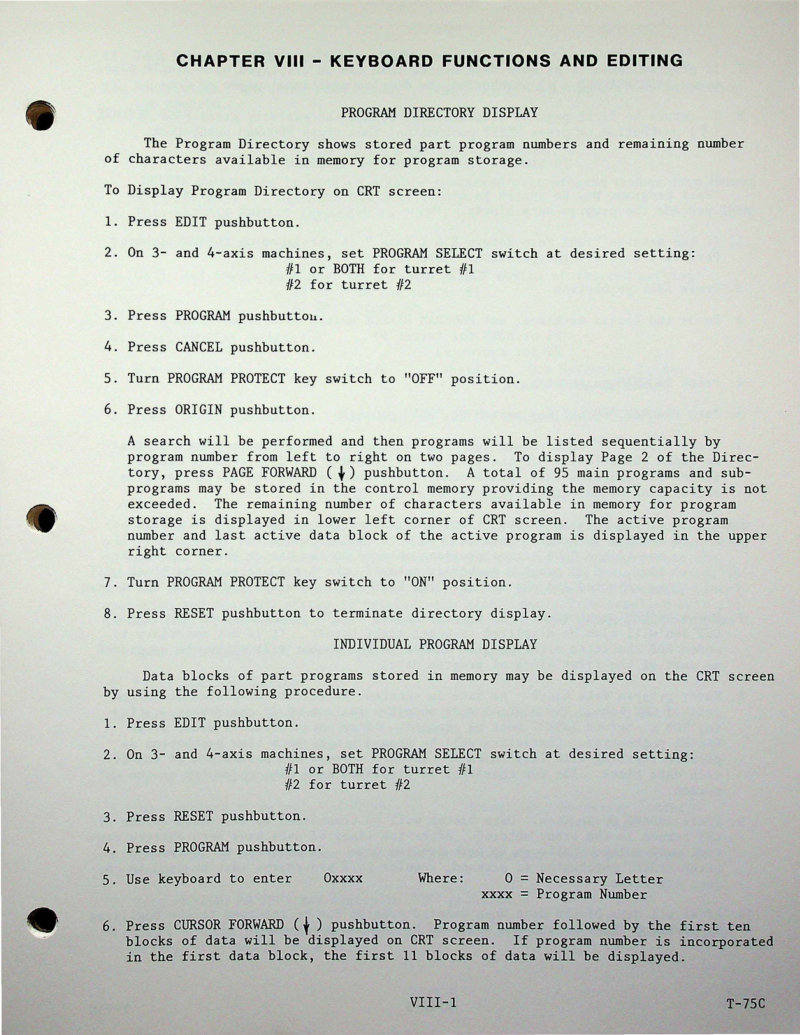
This chapter from the Superslant-GN control system technical manual covers keyboard functions and editing procedures essential for CNC machine operation. You'll learn to navigate the Program Directory Display to review stored programs at a glance, access Individual Program Display for detailed program inspection, and execute Program Storage from the keyboard to save new machine code. The manual walks through Program Cancellation methods when revisions are needed and provides comprehensive Memory Management techniques to optimize available storage capacity. Step-by-step instructions guide you through displaying and retrieving stored programs, entering program data blocks efficiently, monitoring and managing memory usage, and using keyswitch-protected controls to safeguard critical programs from accidental modification. Ideal for operators and technicians working with Superslant-GN control systems who need authoritative guidance on keyboard operation and data management.
Documentation must be downloaded on a computer (PC, Mac, or Linux).
Do not use a smartphone or tablet to download documentation; they generally lack sufficient memory capacity to handle large files, and few users know how to locate the download folder on these devices.
Once downloaded, you can use it right away and even print the pages you need, or use your smartphone in photo mode to translate into the language of your choice: Google Translate
Document Details
- Format
- Pages
- 108
- Size
- 50.7 MB
- Category
- Machine Tools